
2.3. Add Disbursement Settings
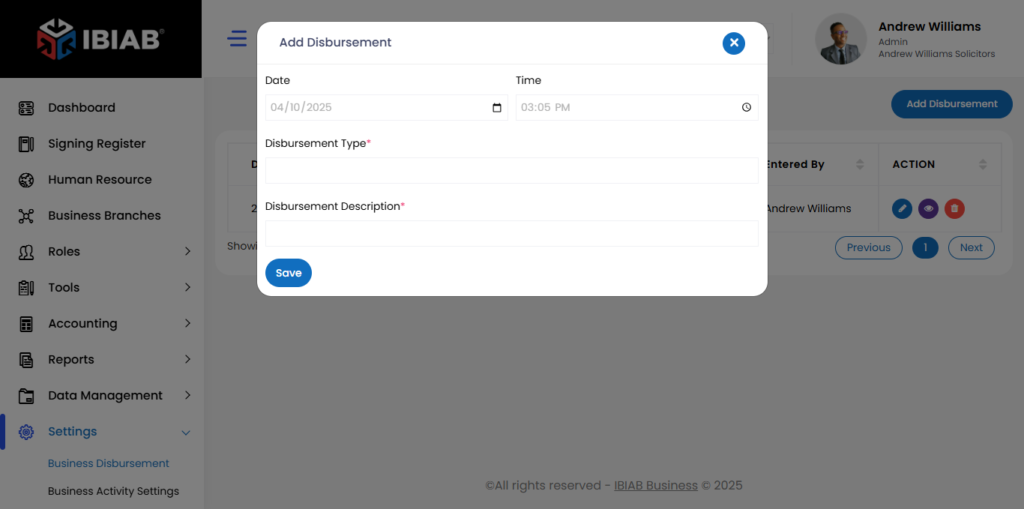
The Disbursement Settings page allows users to manage and record disbursements. Below are the available fields and their explanations:
- Date – Select the date when the disbursement is made.
- Time – Specify the time of the transaction.
- Disbursement Type* – Choose the category or type of disbursement (e.g., payment, refund, expense).
- Disbursement Description* – Provide a detailed description of the disbursement, including purpose and relevant details.
📌 Note: Fields marked with an asterisk (*) are mandatory.